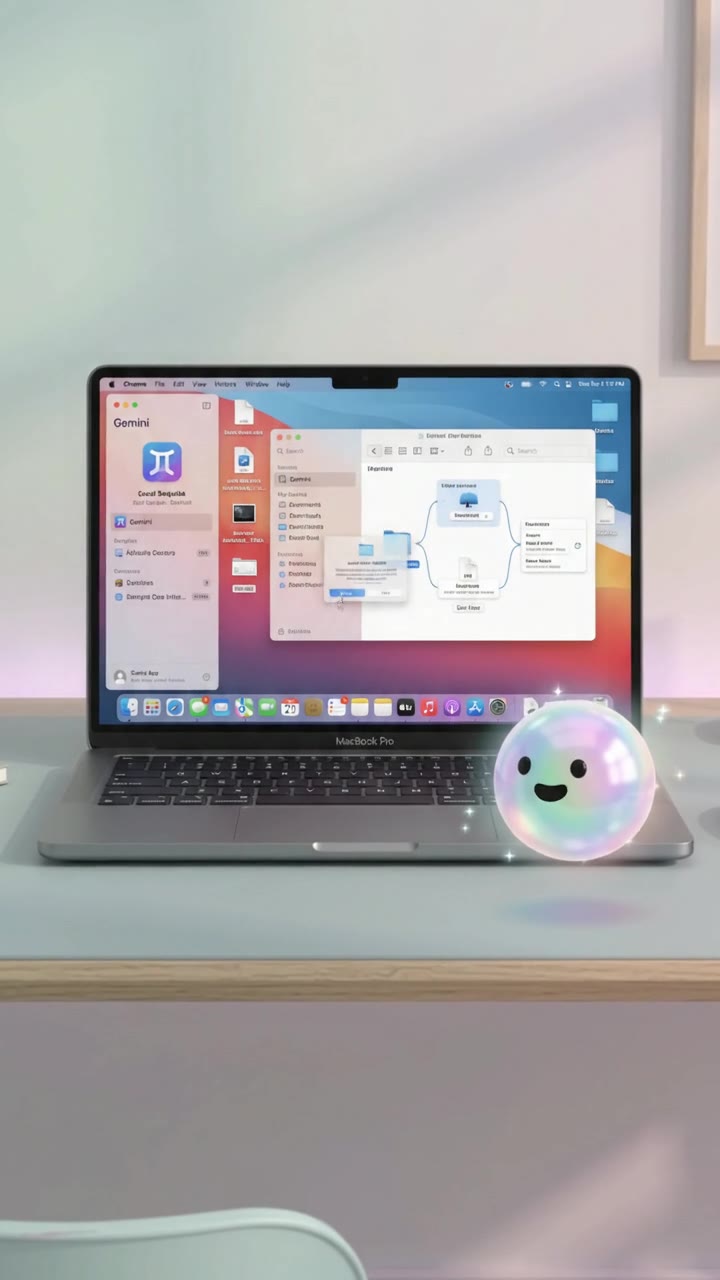
Safety and the Future of Hands-Free Work
In 2026, Google introduced hands-free computer control to the Gemini app on macOS Sequoia, implementing strict safety permissions and 24-hour file backups to keep user data secure.
Meet your new digital co-pilot
Gemini's Mac superpower skills
Safety, permissions, and the leash
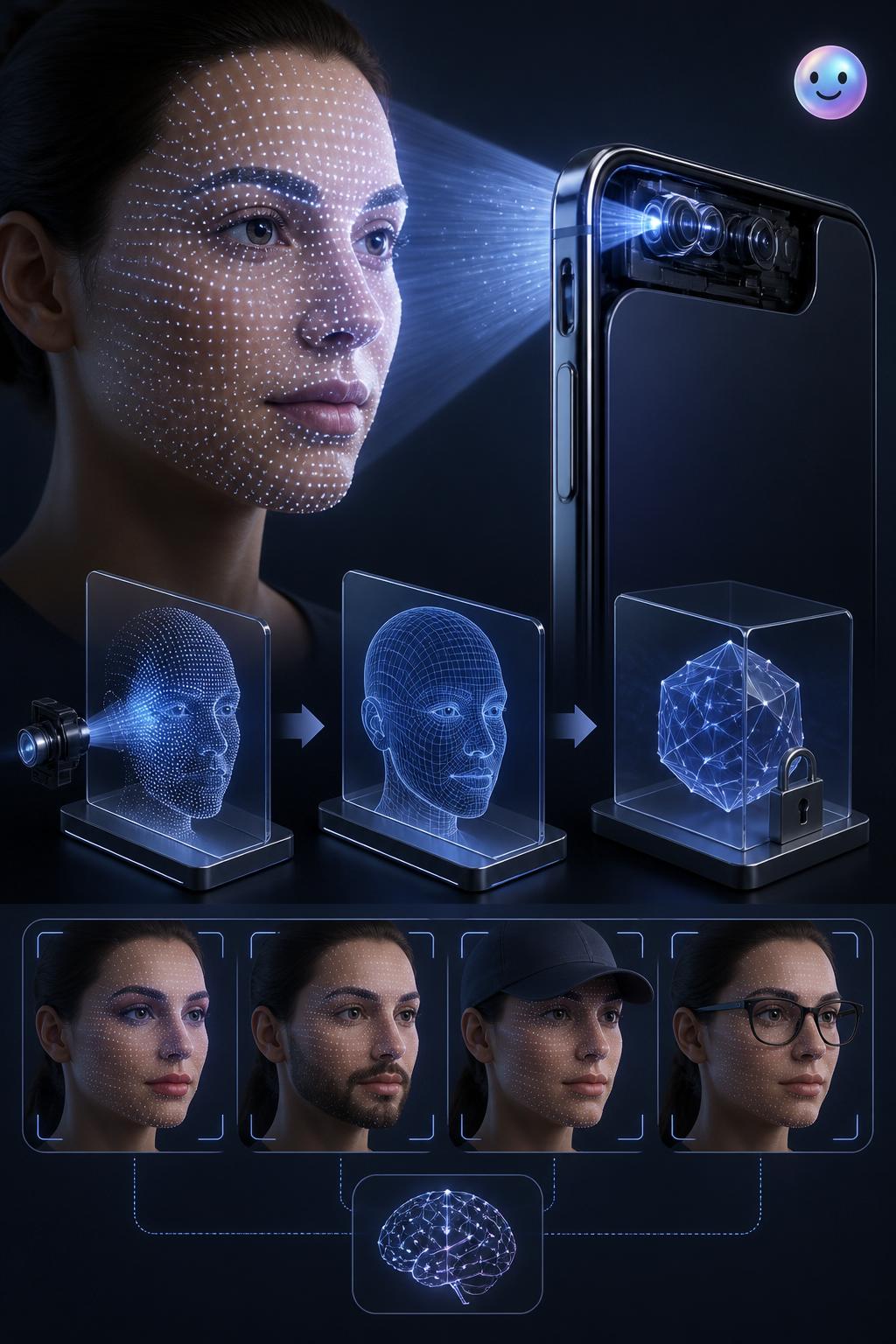
play_review Gemini's emergency brake is a safety feature that lets you instantly stop the AI to keep your computer safe.
What can you do in the Gemini chat interface if you see the AI making a mistake during a task?

play_review Manage permissions and pull the leash to learn safety as Google Gemini uses your Mac.
What security risk do developers of computer-use APIs scan for to prevent malicious commands?
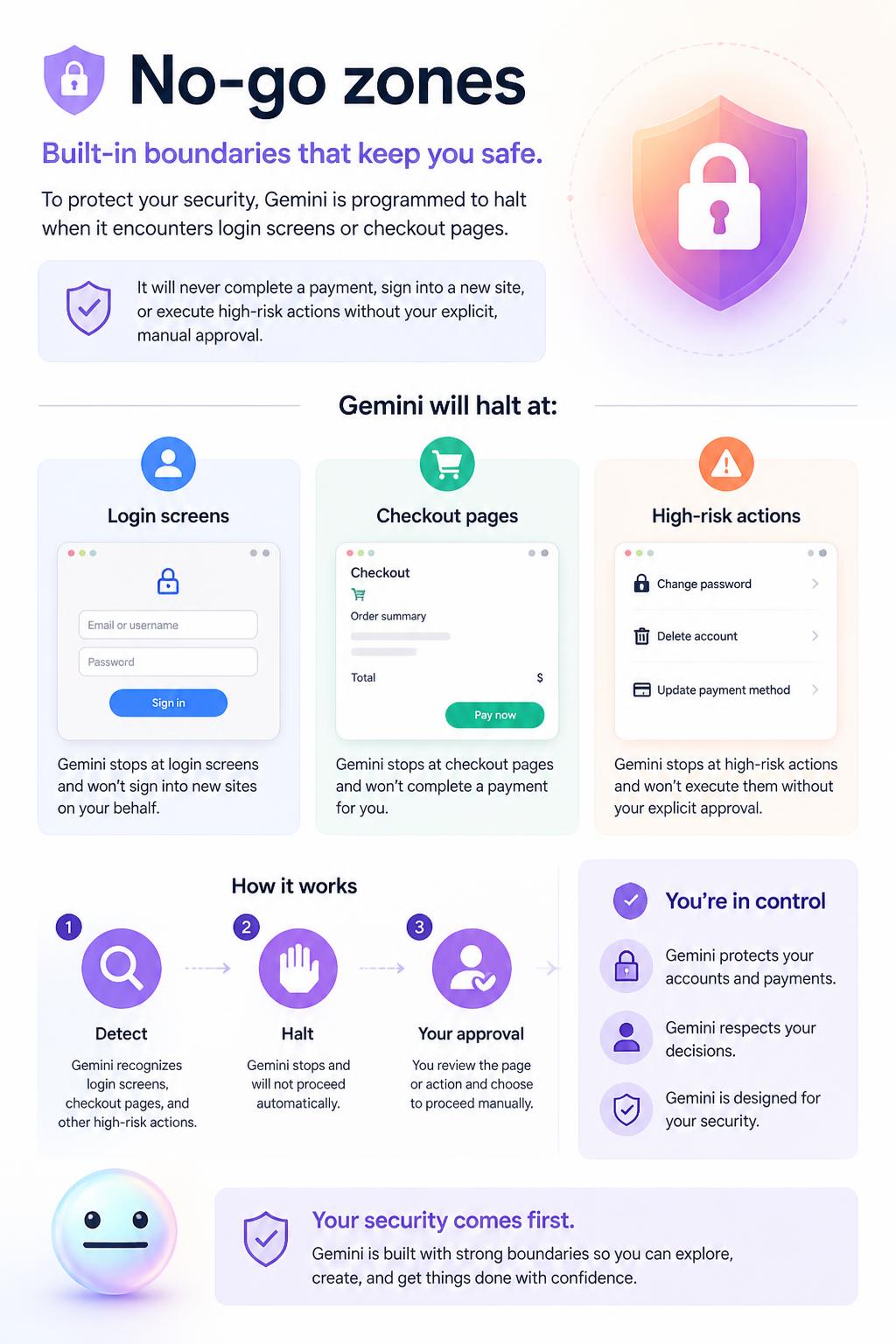
play_review To protect your Mac, Gemini automatically halts at login screens and checkout pages, requiring manual approval for payments and high-risk actions.
For which of the following sensitive actions will the Gemini Mac app automatically pause and require human confirmation?

What visual indicator does macOS display to show that an app is actively controlling another app?
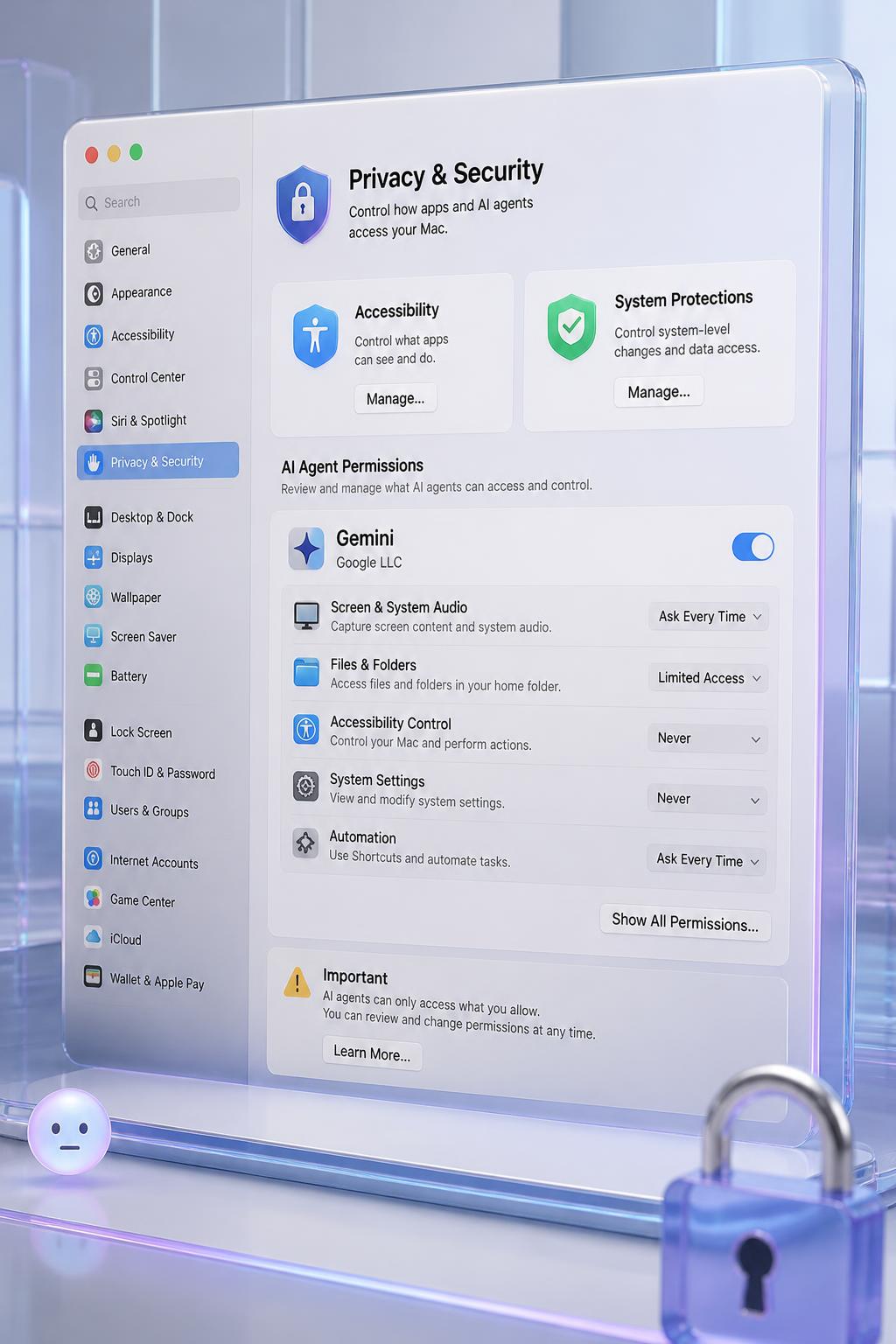
play_review Apple's late 2026 macOS update blocks AI agents from accessing your personal files.
What operating system security measures did Apple tighten in late 2026 to regulate AI agents?
Permission transparency: Apple's macOS features a special 'transparency indicator' that lights up to warn you whenever one app is controlling another.
Under Apple's tighter macOS automation rules, what can users do to restrict an AI agent's access?
play_review Safety and the Future of Hands-Free Work
Gemini drives your Mac / in a background frame / you hold the leash
How does the rise of AI computer-use agents change the typical human role in digital work?
Why is Gemini's background window execution considered safer than standard screen-sharing automation?